Vessel Analysis Assistant
Upload an image and optionally tell the assistant what you would like analyzed.
AI
Upload a fundus, OCTA, nailfold, SLO, or other vessel-containing image to begin.
Select or drag a new image, then press Analyze.
Example vessel analysis
This example shows how the uploaded image and vessel segmentation result will be presented after analysis.
Example
Example result
Result not generated yet
Run the analysis to create the processed vessel image.
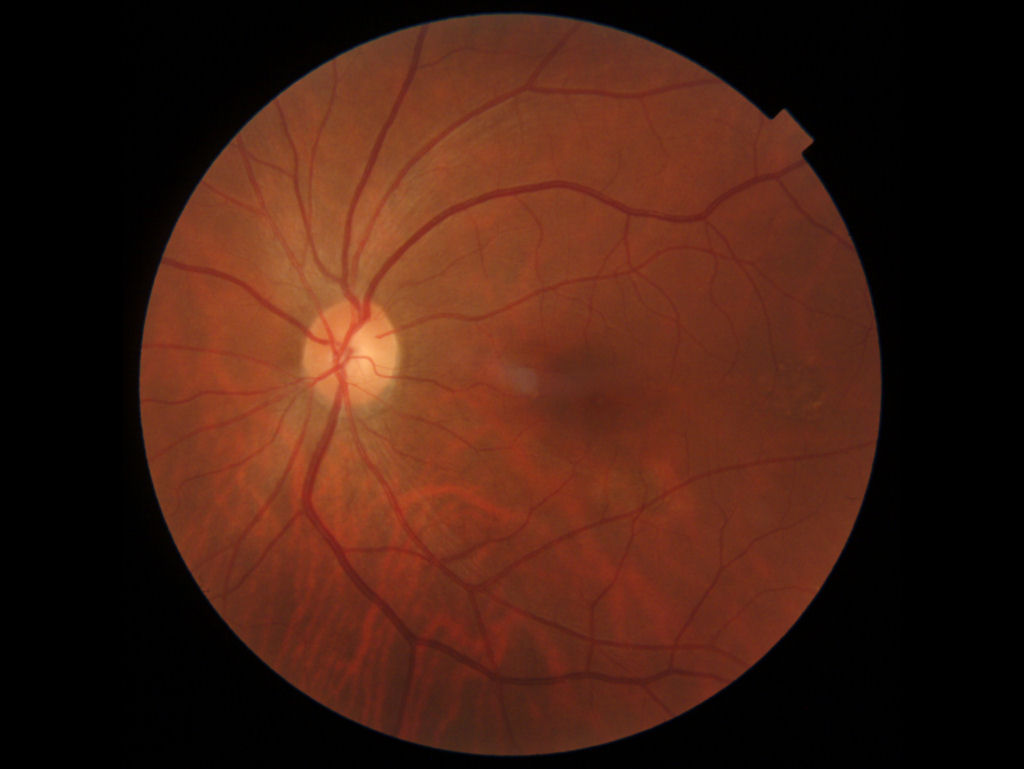
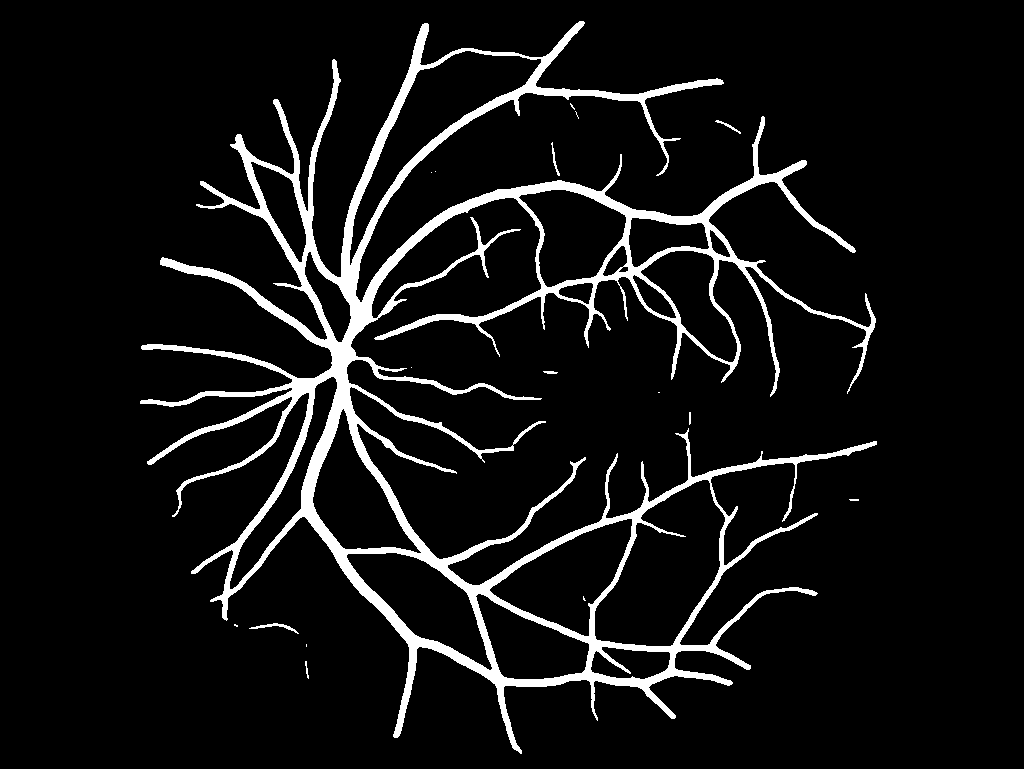
Example analysis
Input:
Fundus image with visible retinal vasculature.
Output:
Binary vessel segmentation highlighting detected
vascular structures.
Use:
Suitable for visualization and quantitative
vessel-analysis research.
This is an example only. Upload an image to replace
the example input and run the model to generate
a new result.
Analyzing image
Processing information is shown temporarily. The final result and report will replace this view when analysis finishes.
Waiting for an image.
Ready
0.0s